


In photography, creating a double or multiple exposure photo involves combining two different images to make one single image. This technique has been used in film photography by exposing a piece of film twice to two different images. The second image becomes superimposed onto the first image, creating various effects that may mirror one another or seem ghostly.
Throughout the years, photo editing software such as Photoshop has made the technique of creating multiple exposures even more common and accessible. For all of you phoneographers out there, life gets even easier now that you can create double exposures right on your cell phone with the simple installation of some easy-to-use photo apps.
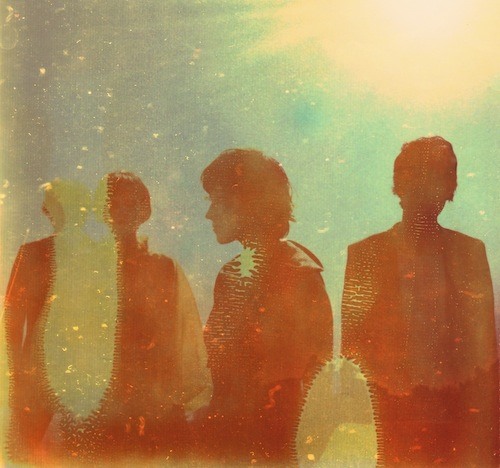
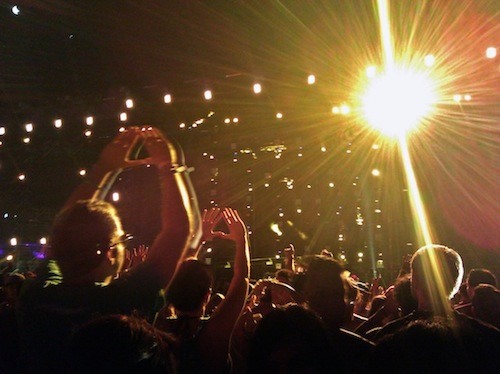
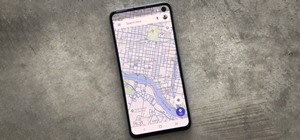
The app that I am going to use today is called Little Photo, which is available for free in the Google Play Store. The following two images, taken on my cell phone, will be used to demonstrate double exposure.

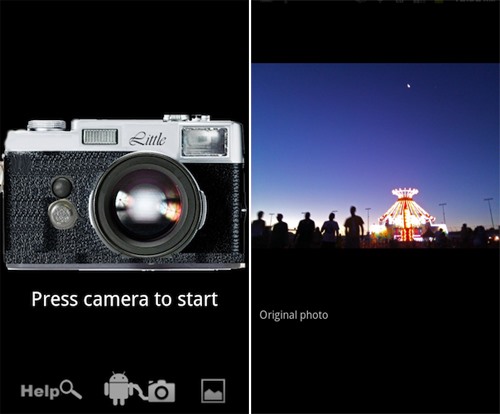
Little Photo launches with an image of a camera. Tap the camera to take a new photo, or tap the gallery icon at the bottom to import an existing photo.
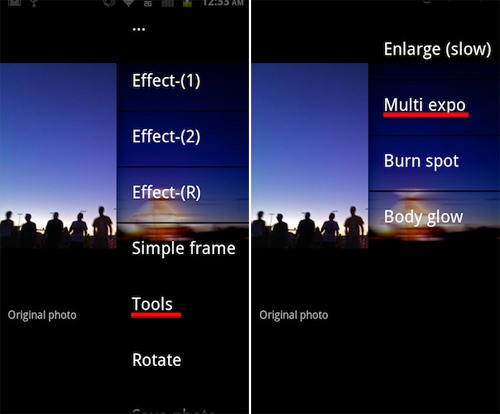
After the photo is imported, tap the screen to pull up the menu. Select "Tools", then "Multi expo".
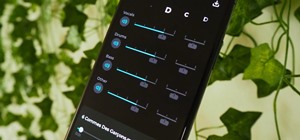
Your gallery will appear so that you can select the image that you would like to superimpose over your original image. Choose your image, then toggle the "Effect tuning" bar so that the image of your choosing is more or less prominent and suits your preferences.
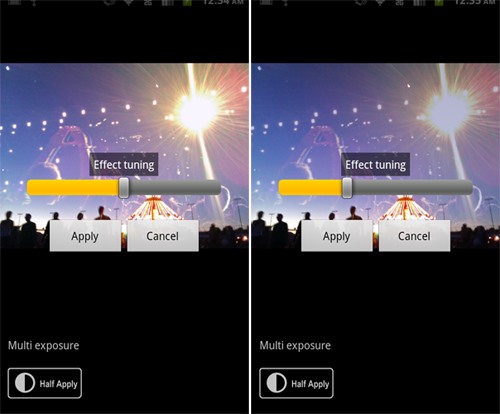
Tap the screen once more to save your image, and there you have it! A double exposure created in just a few easy steps.

Other double exposure apps include Doublexposure Pro, Fusioncam, DXP (free version here), and Pinhole Camera for the iPhone, as well as Vignette and Multiple Exposure Creator for the Android.
Have fun experimenting with different photos, and why stop at two? Overlay as many images as you like. Also, don't be discouraged if the result isn't what you expected. It's all a part of the fun!
Just updated your iPhone? You'll find new emoji, enhanced security, podcast transcripts, Apple Cash virtual numbers, and other useful features. There are even new additions hidden within Safari. Find out what's new and changed on your iPhone with the iOS 17.4 update.







5 Comments
what if you don't own an android? is there something similar for a run of the mill verizon lg phone with camera ?
If you're phone doesn't have the ability to run apps, I would say your best bet is playing around with photoshop or gimp after you've uploaded the photos to your computer.
sigh-i thought so-but i wanted to tinker-lol
I am a crazy fan of double exposures - I am really in love with this art indeed! So far the best mobile photo editing app I have been using to create double exposures is PicsArt. This app is amazing and let's you play around with your creativity, share your creations with the community of amazing artists, get inspired and driven to bring your fantasies to life.
Check https://picsart.com/blog/post/how-to-create-double-exposure/
Words can not express how grateful I am to you, discovered this app for me. Exactly what I needed.
Share Your Thoughts